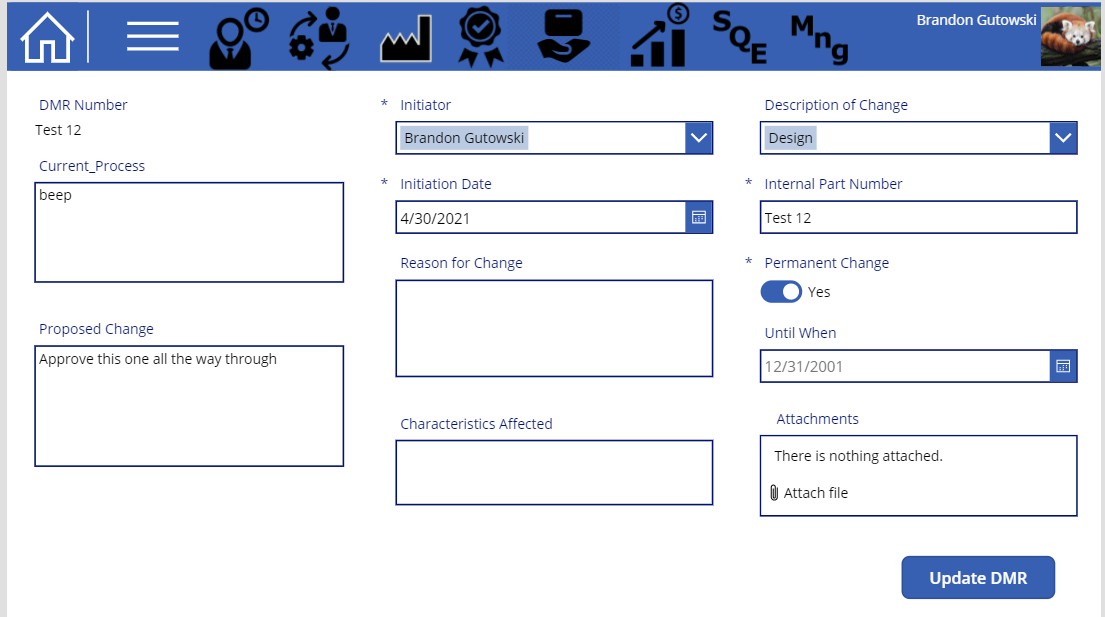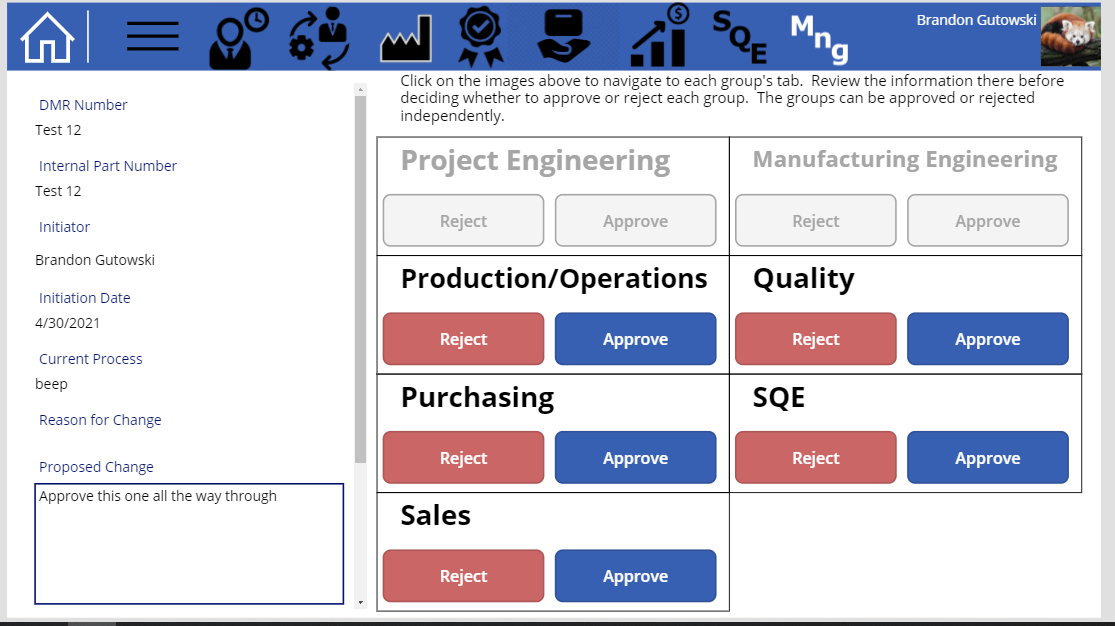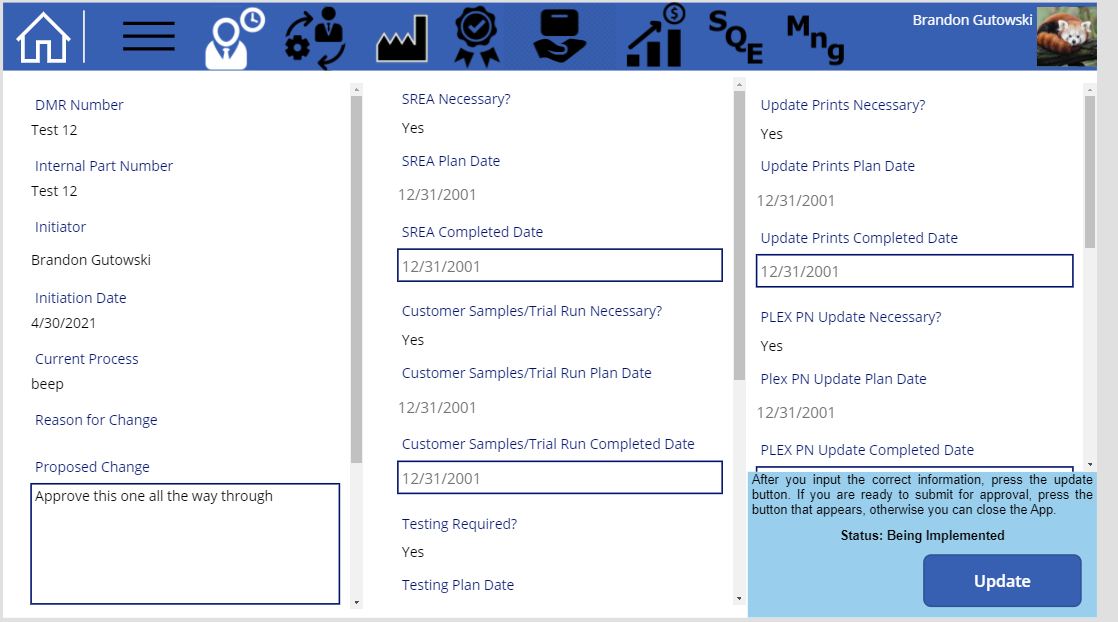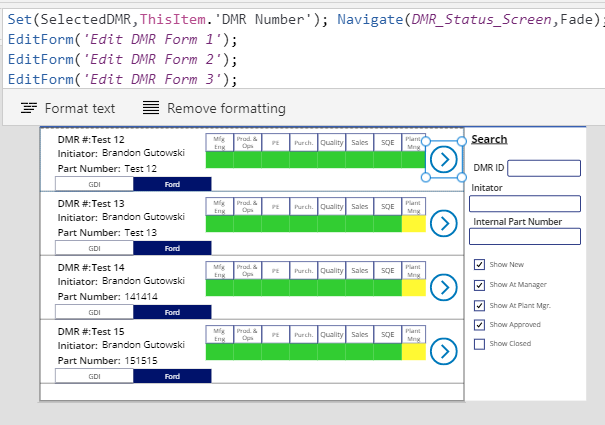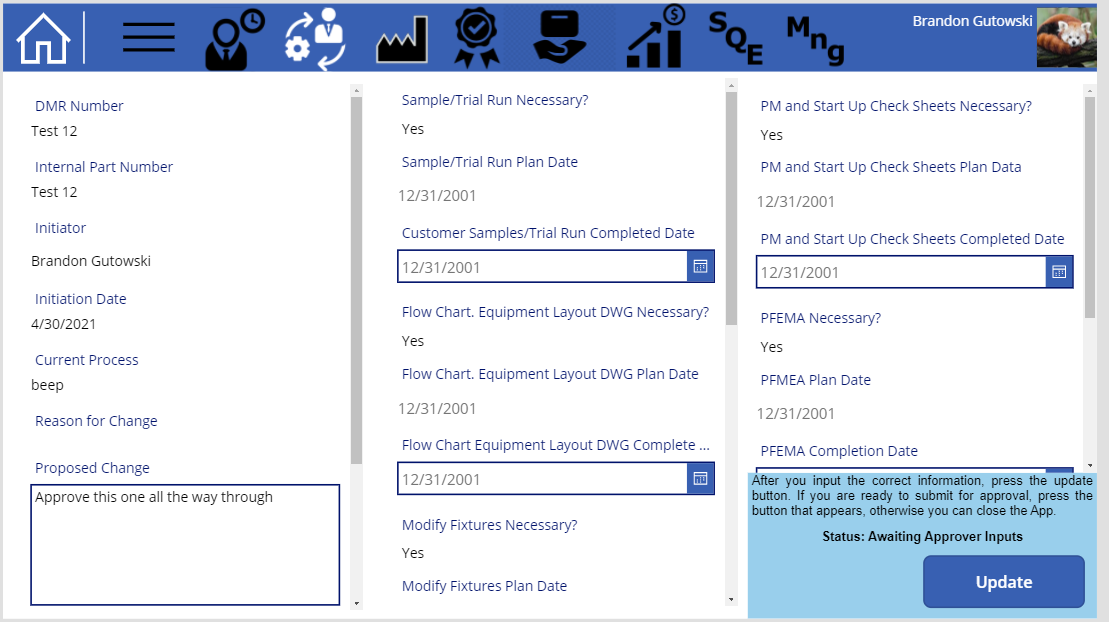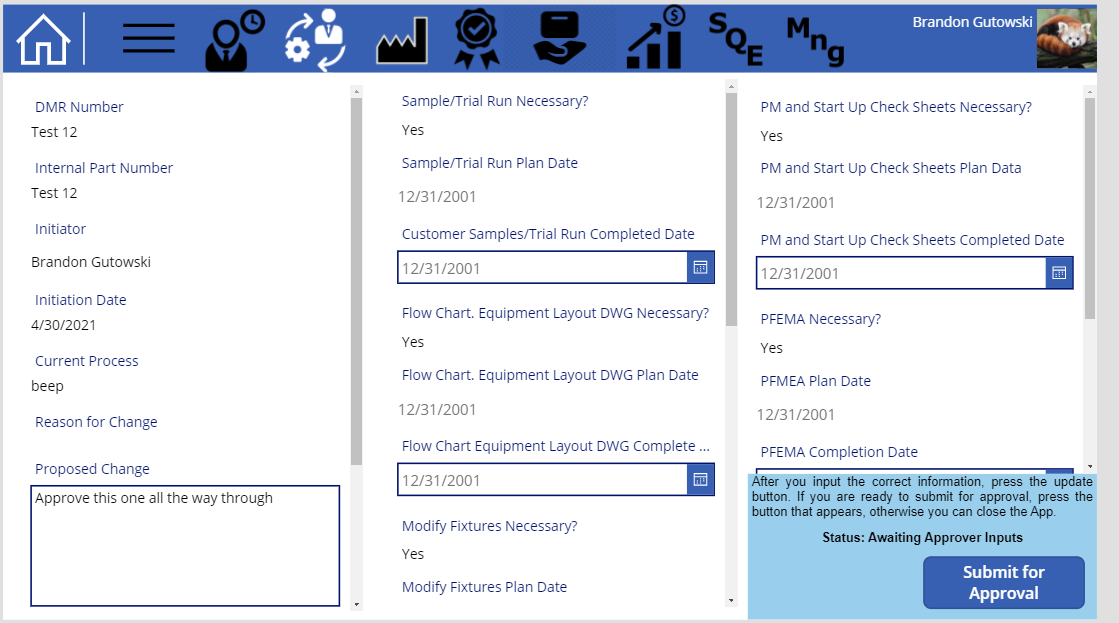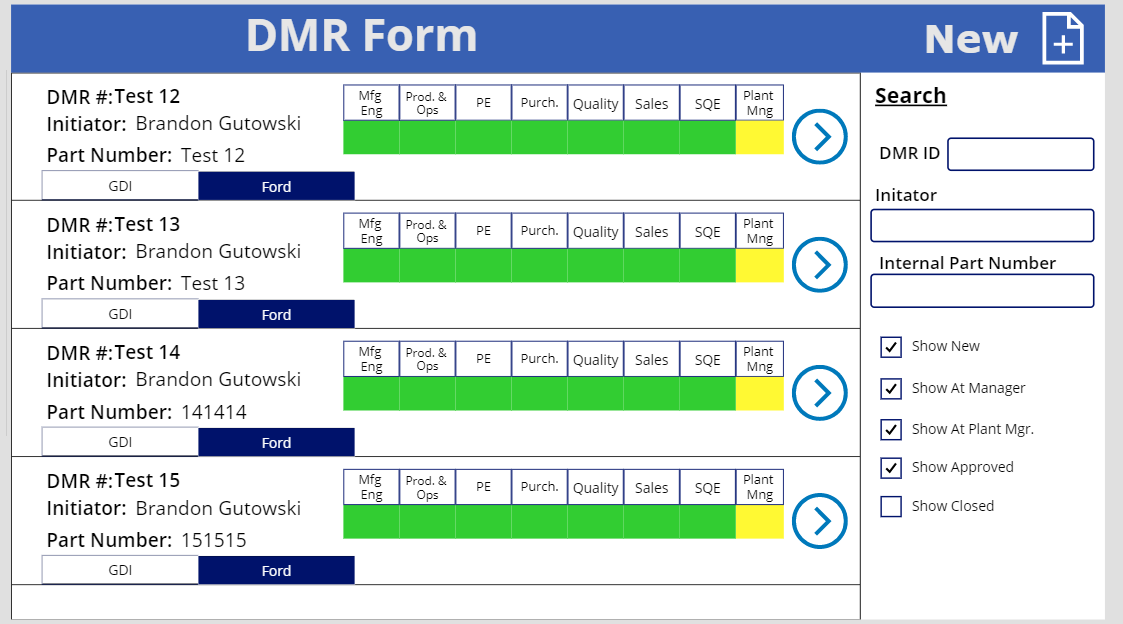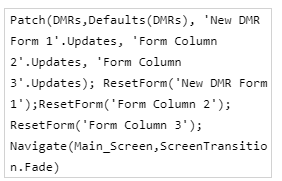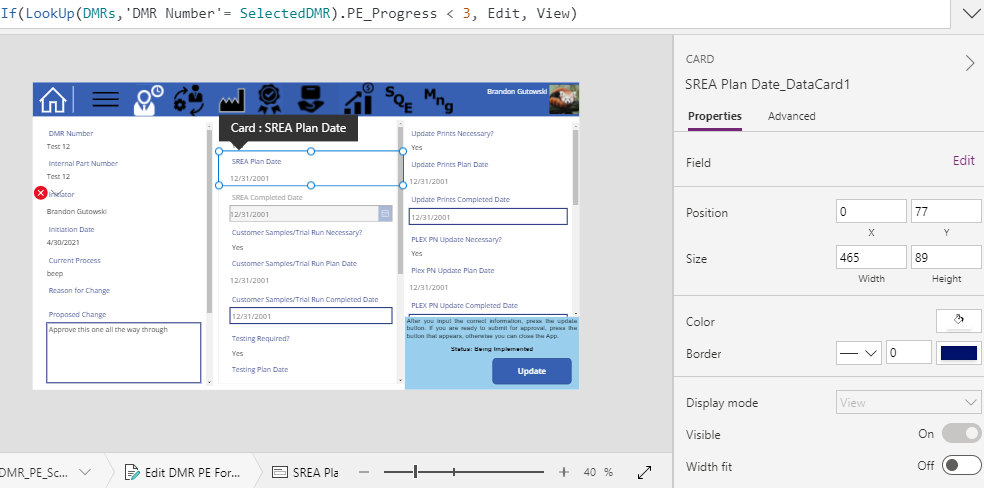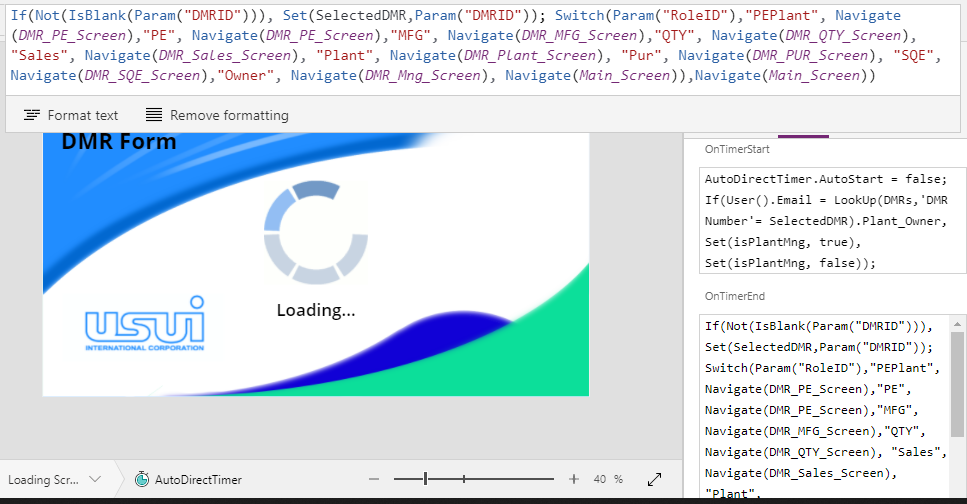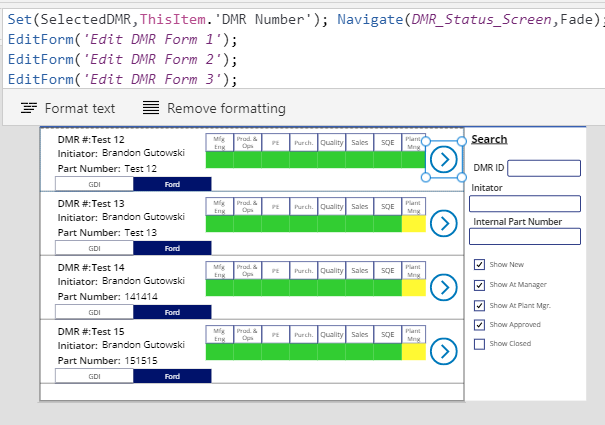
Main Screen of the App along with the core code for the navigation of the system
I created this app to help our various departments to track the progress of Design Modification Requests. These complex forms were required to visit 7 different departments and then also be approved by each of their managers. I wanted a system that would track where each form was, and notify those people often enough so the initiator of the form would not need to.
I used a Sharepoint list as the database for the PowerApp. The App itself was just there for looks initially, but later the tracking functionality of each form was added as you can see with the green and yellow boxes in the picture above. The logic was performed by the flows.
First, in the app, the initiator would create a form. Then that would be added to the Sharepoint list. Then the first flow that is watching the list, determines which people need to be notified and need to approve each section. Once these emails have been determined, it triggers the next flows for each department. Those flows, begin emailing a link to the specific DMR and their specific group’s page within that DMR, until they update the required information. that same flow will move the information through to the manager as well.
The app will continue to display and track the information as it is being updated in the Sharepoint list. The app was created in my spare time at work and I needed to learn many of the limitations of programming in PowerApps as opposed to traditional programming languages.